D3.js Basic Example
In this example, you will use D3.js to add a DOM element to a basic webpage.
Start with a basic HTML webpage:
Next open the Developer Tools (Webkit Inspector).
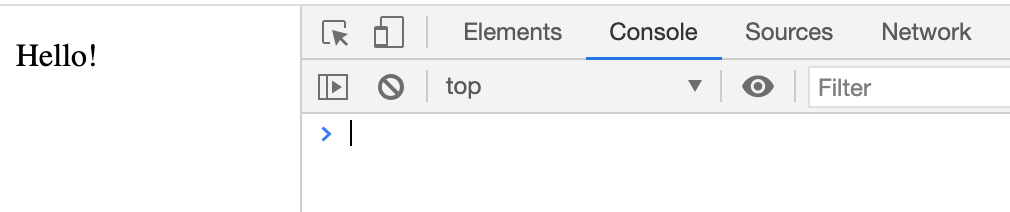
Click on the "Elements" tab:
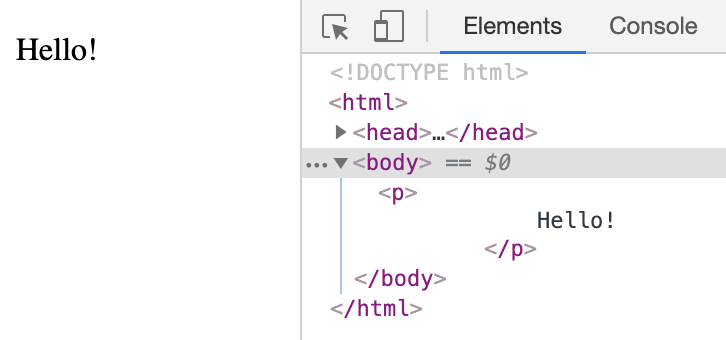
This will give you the elements video of the webpage:
Next (as of 2021), look for three dots lined up on top of each other that look like this:
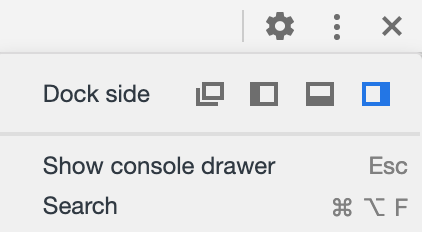
Click on the three dots and select the "Show Console Drawer" option:
This will open the JavaScript Console window while showing us the DOM elements of the webpage we are currently on.
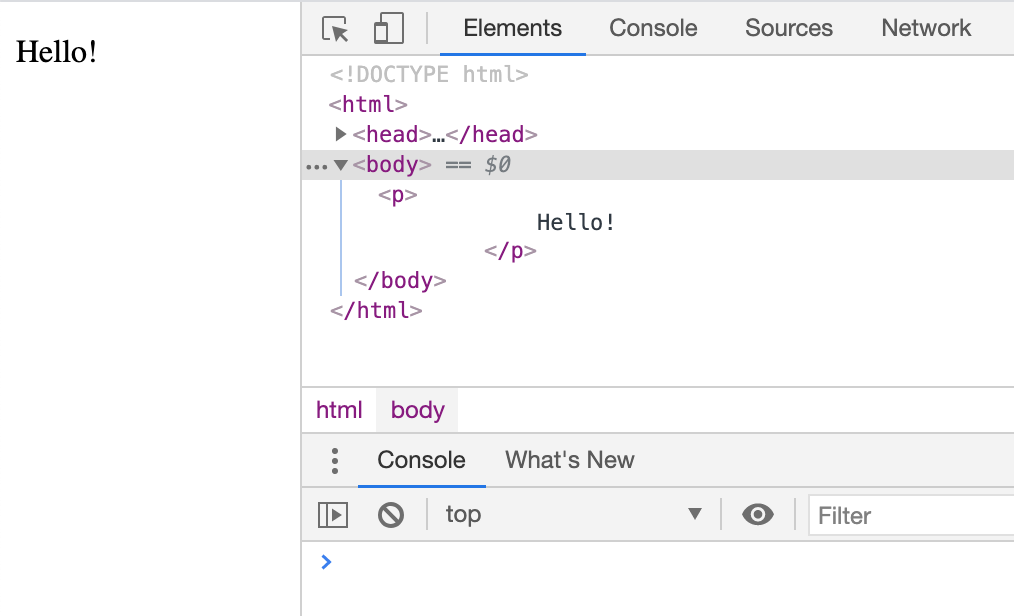
We are now ready to get started.
In the JavaScript Console, type d3.select("body").append("p"); and then hit return:
When you hit return, a paragraph "p" element is added to the HTML DOM.
You can see the added empty paragraph after the <p>Hello!</p> paragraph.
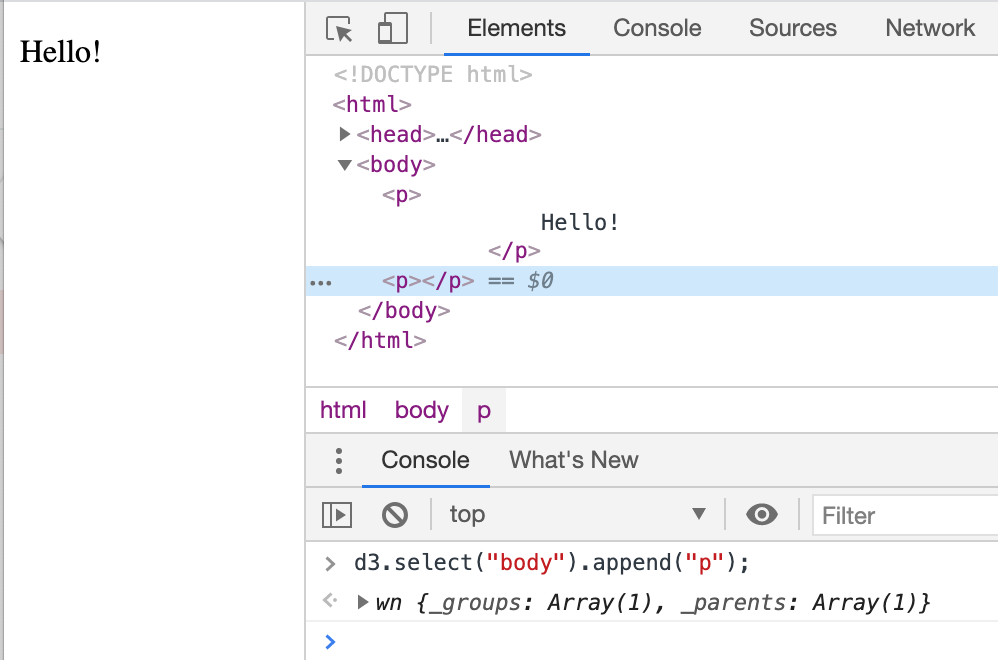
Congratulations - you've added an HTML element to the DOM using D3.js!
Later we will add SVG elements just as easily as we did above.
D3.js Select Method
The first part of the JavaScript code that we wrote is .select("body").
The D3.js Select method uses CSS3 selectors to grab DOM elements.
To learn more about CSS3 selectors please check this out => CSS3 Selectors
D3 looks at the document and selects the first descendant DOM element that contains the tag body.
Once an element is selected, D3.js allows you to apply operators to the element you have selected.
These operators can get or set things like "attributes", "properties", "styles", "HTML", and "text content".
D3.js Append Operator
The operator that we used is .append("p").
The Append Operator appends a new element as the last child of the element in the current selection.
Since our current selection was d3.select("body"), the append operator added the "p" element last.
The blue highlighted line is the 2nd child element of the body element.
The first child element of the body element is the paragraph element that contains the text "Hello!".