D3.js Bind Data To DOM Element Basic Example
In this example, you will use D3.js to bind data to DOM elements of a basic webpage.
Start with a basic HTML webpage:
Open the Webkit Inspector to get the JavaScript Console going along side the Elements Inspector.
Type the following into the JavaScript Console:
This will give you the following:
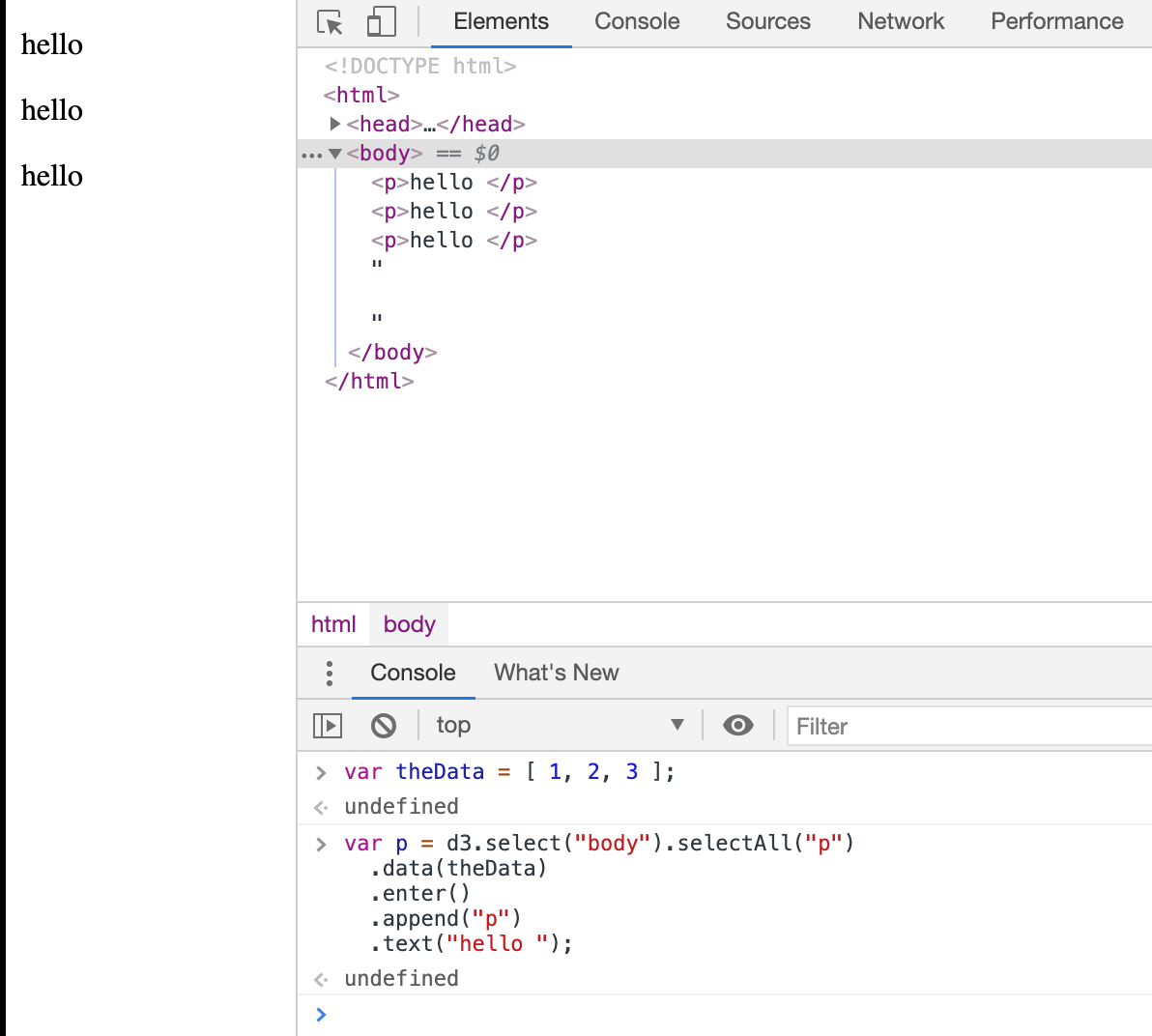
Congratulations - you have bound some data to some DOM elements using D3.js!
D3.js SelectAll Method
The first part of the JavaScript code that we wrote which hasn't been covered before is .selectAll("p")
The D3.js SelectAll method uses CSS3 selectors to grab DOM elements.
Unlike the Select method (where the first element is selected), the SelectAll method selects all the elements that match the specific selector string.
But wait!
The basic HTML page doesn't contain any <p> yet.
What is it actually doing?
What it is doing is selecting all of the <p> available on the page.
Which in this case is none.
So it returns an empty selection.
Later use of .data(theData) and .enter( ) will allow us to bind the data to the empty selection.
D3.js Data Operator
The next part of the JavaScript code that we wrote which hasn't been covered before is .data(theData)
The data operator joins an array of data (which can be numbers, objects or other arrays) with the current selection.
In this example, there is no key provided, so each element of theData array of data is assigned to each element of the current selection.
The first element 1 is assigned to the first <p> element, the second to the second, so on and so forth.
But wait!
The basic page doesn't contain any <p> yet.
What is it actually doing?
D3.js Virtual Selections (Thinking with Joins)
The D3.js Data Operator returns three virtual selections rather than just the regular one like other methods.
The three virtual selections are enter, update, and exit.
The enter selection contains placeholders for any missing elements.
The update selection contains existing elements, bound to data.
Any remaining elements end up in the exit selection for removal.
Since our selection from
was empty.
The virtual enter selection now contains placeholders for our <p> elements.
We will come back to the power of the virtual selections enter, update, and exit in later sections.
For now we will concentrate on the enter virtual selection.
To learn more, please visit the classic article by Mike Bostock "Thinking with Joins".
D3.js Enter Method
The D3.js Enter Method returns the virtual enter selection from the Data Operator.
This method only works on the Data Operator because the Data Operator is the only one that returns three virtual selections.
In this case
This will return a reference to the placeholder elements (nodes) for each data element that did not have a corresponding existing DOM Element.
Once we have this reference we can then operate on this selection.
However, it is important to note that this reference only allows chaining of append, insert and select operators to be used on it.
After these operators have been chained to the .enter() selection, we can treat the selection just like any other selection to modify the content.
D3.js Append Operator Revisited
Looking at the code again:
We .append("p") to the .enter() selection.
For each placeholder element created in the previous step, a p element is inserted.
Because we had three data points in our data array and no <p> elements on the webpage, the .append("p") creates and adds three HTML paragraph elements.
In the example, after the append operator has operated on the selection, it will return a selection of three HTML paragraph elements.
D3.js Text Operator
If we wrote the code so that it was missing the last text operator as such:
This is what we would see:
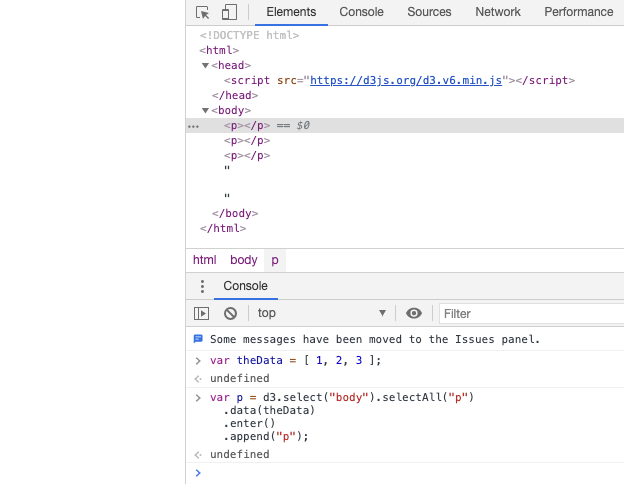
Notice that none of the paragraphs contain any text versus the previous picture from above:
The Text Operator sets the textContent of the node to the specified value on all selected elements.
In this example, .text("hello "), the value is "hello ".
Since the selection was three <p> elements, each element gets a "hello " inserted into it.
Where did the Data go?
The example starts with a JavaScript data array:
and some how we end up with three paragraphs that say Hello.
What happened to our numbers 1, 2 and 3?
D3.js Data Operator Revisited
Lets take a look at our Data Operator again with a simple example in the JavaScript Console:
When you hit return and click through the down arrows to see the properties of "body", you see something like this:
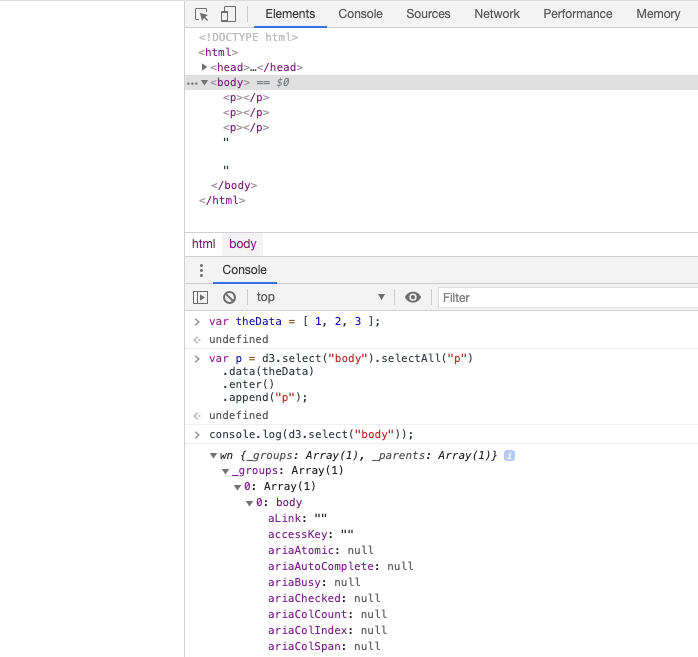
Beneath the line that reads 0: body, you can see the properties of this HTML body element.
Now, run the following example in the JavaScript Console with the .data() operator added in:
Our data appears as a property named __data__ (note, you'll have to scroll down to the end and potentially click on a property that looks like (...) to see all of the expanded properties:
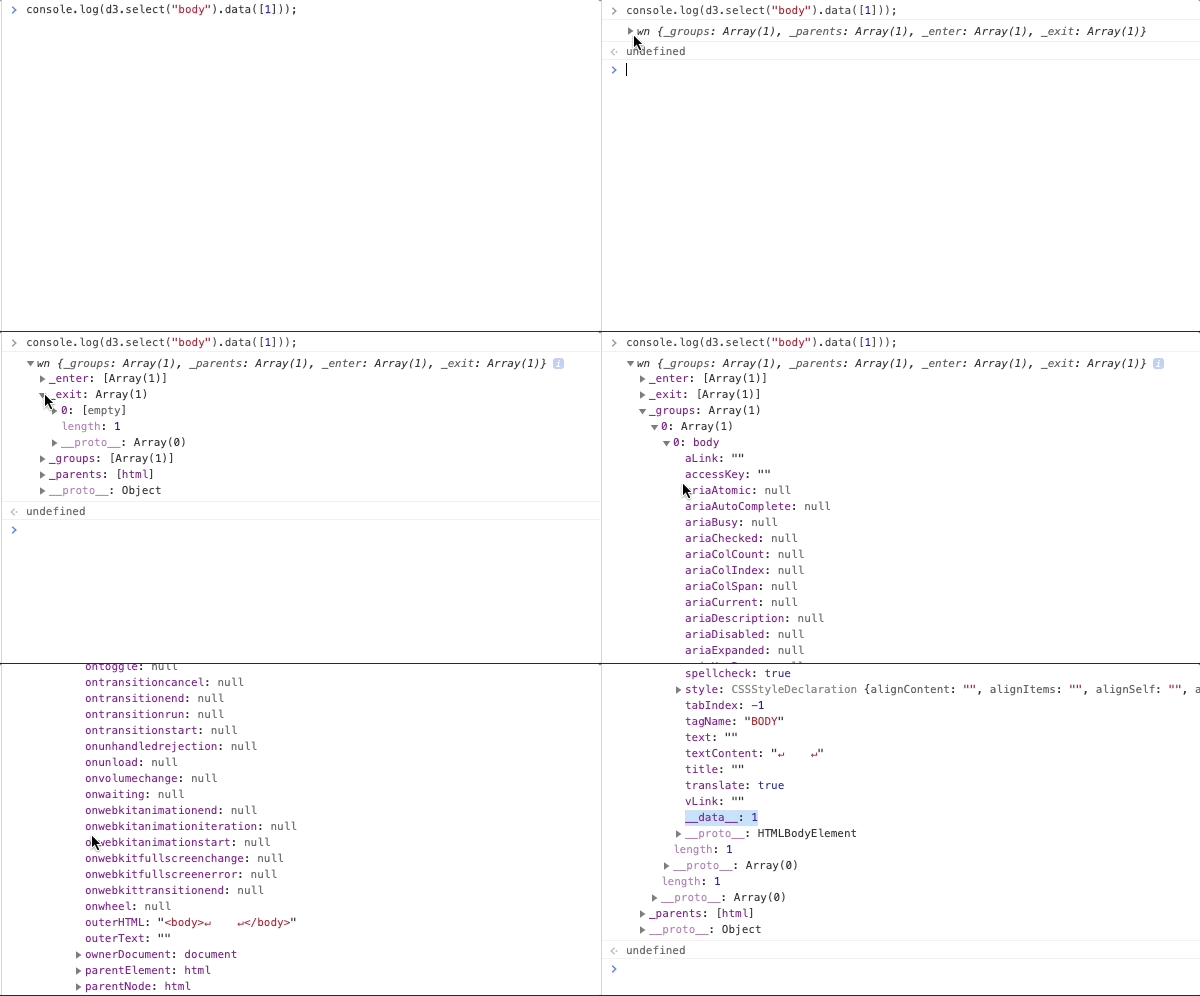
When data is assigned to an element, it is stored in the property __data__.
This makes the data "sticky" as the __data__ property is available on re-selection.
This is what we mean when we talk about Binding Data to Dom Elements.
Basic Example Revisited
Going back to our basic example at the top of the page, let's reset the webpage.
Then we can now see where the data was bounded to by using the console.log( ):
Gives us this:
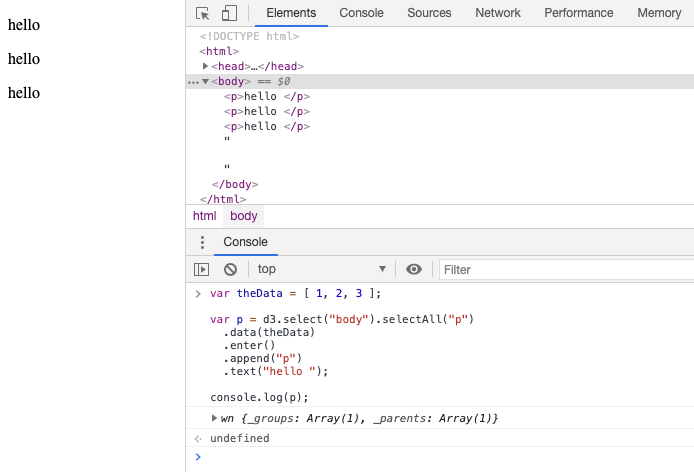
From this you can see the three paragraph elements that were appended.
Looking at the last the last (third) paragraph element, let's check what the __data__ property has:
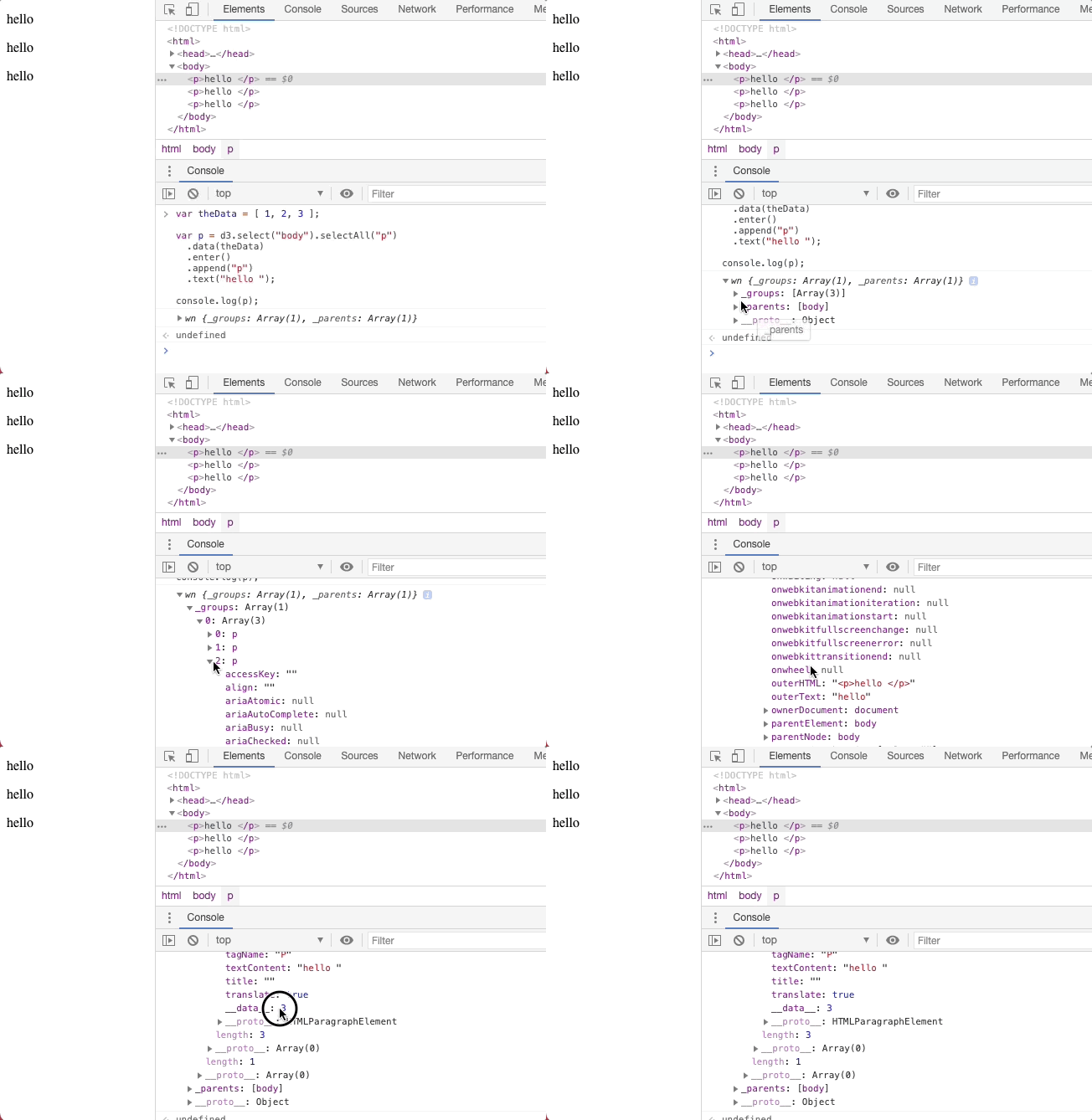
The __data__ property with a value of 3.
Which came from our data set!